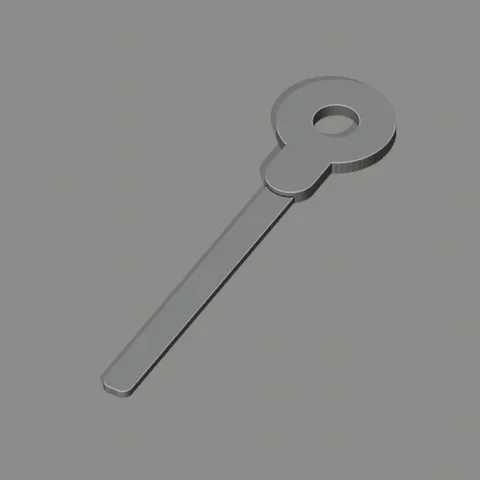
Colour Comparison Strip (Removable Divider)
Lay two scrap colour papers edge to edge and cover their meeting line with a narrow strip.
Difficulty is a guide based on the data structure. It does not promise a printing result.
Thiết kế gốc của Print Saku
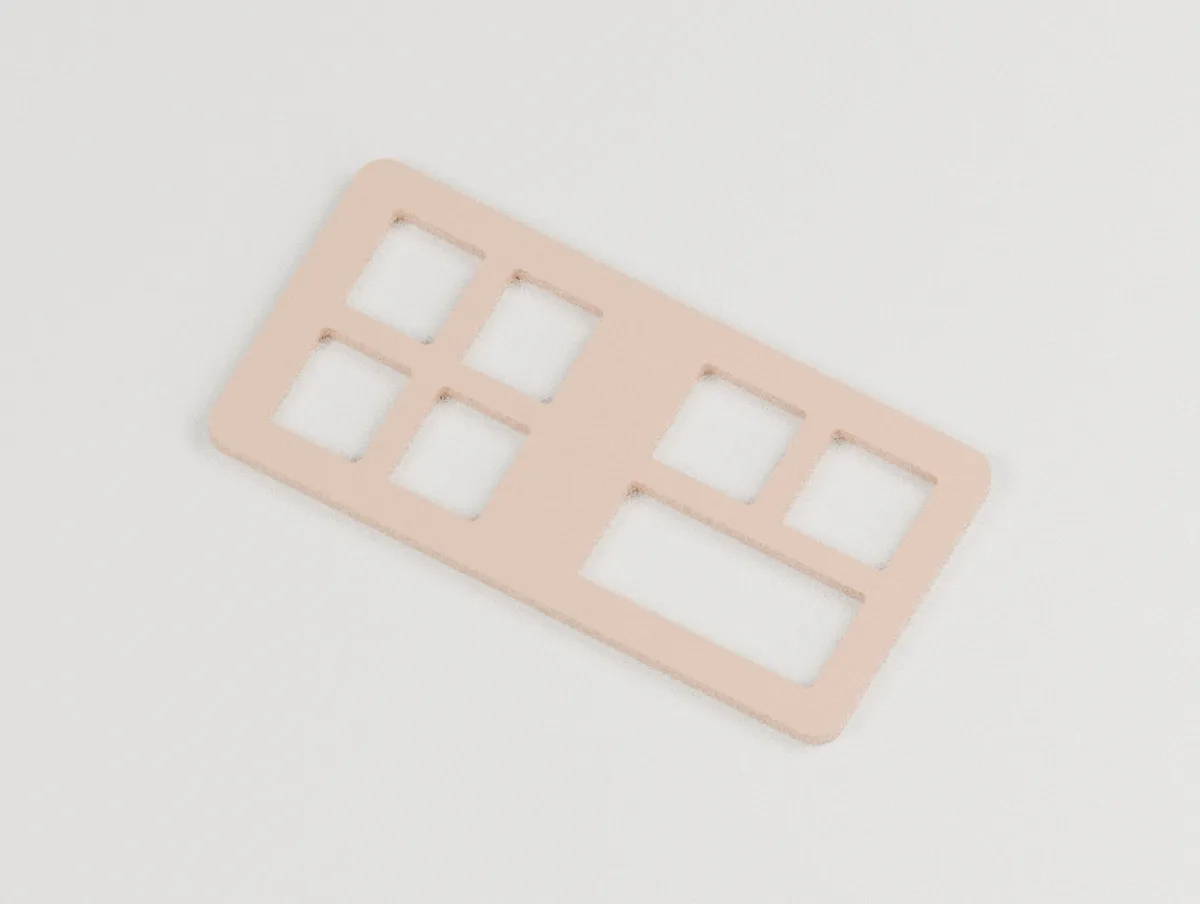
Joint Pattern Overlay (Aligned and Staggered)
Lay the overlay loosely on one large scrap colour sheet and compare two ways of dividing the same surface.
Category: Craft & photography
Difficulty is a guide based on the data structure. It does not promise a printing result.
Dữ liệu thử nghiệm (chưa in thử): hình dạng đã được kiểm tra, nhưng chưa thực hiện in thử vật lý.
Không cần máy in. Print Saku có thể in thiết kế này và giao đến bạn.
In và giao hàng là dịch vụ có tính phí.
Lay the overlay loosely on one large scrap colour sheet and compare two ways of dividing the same surface. Four left windows form aligned cross joints; two upper right windows above a longer opening suggest staggering. A central band joins the entire frame into one STL component. Lift it away before changing paper, and leave the windows empty. The piece supports a visual rhythm discussion rather than drawing, cutting, tile sizing, joint specification or material quantity calculations.
Check the dimensions, orientation and support settings in your slicer before printing. Adjust settings for your printer and material.
| Tên bộ phận | Kích thước mm (ước tính) |
|---|---|
| P414_main | 96 × 48 × 2.8 |
CC BY 4.0: được phép chỉnh sửa và sử dụng thương mại. Khi sử dụng, ghi nguồn “Print Saku” và liên kết đến mẫu này.
Đọc đầy đủ điều khoản giấy phép ↗The STL data is free. Printing and delivery cost extra if ordered. A free sign-in is required to download.
CC BY 4.0 allows commercial use with attribution. Credit Print Saku, link to the model and license, and indicate any changes.
The maximum on each axis across STL parts is approximately 96 × 48 × 2.8 mm. These are not assembled dimensions. Check in your slicer.
Lay two scrap colour papers edge to edge and cover their meeting line with a narrow strip.
Difficulty is a guide based on the data structure. It does not promise a printing result.
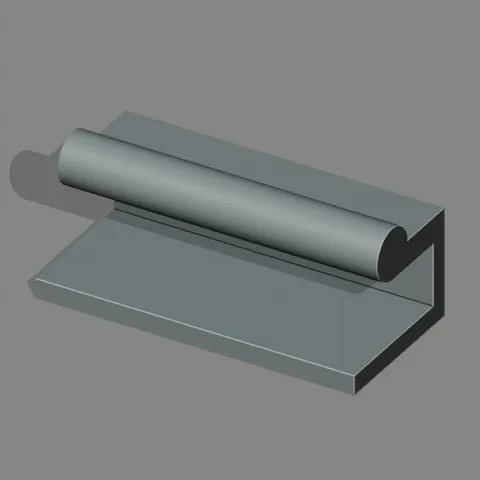
Use the rounded nose to guide the back of a PET release liner through a gentle hand foldback while looking for a free patch corner.
Difficulty is a guide based on the data structure. It does not promise a printing result.
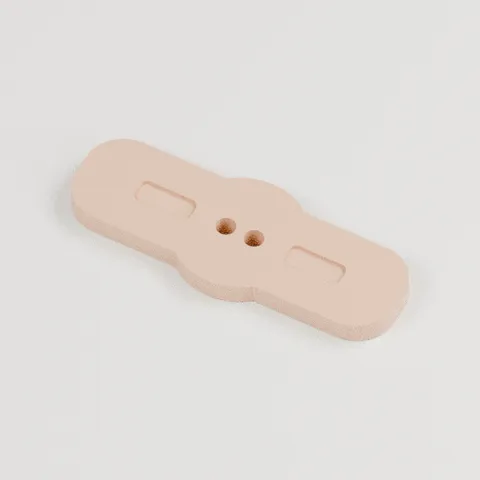
Feed two soft paper raffia strips or cords through separate holes, fold their short tails outward, and hold them lightly in the shallow recesses.
Difficulty is a guide based on the data structure. It does not promise a printing result.
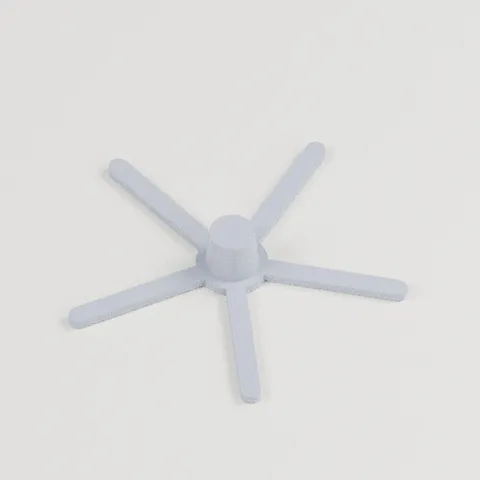
Explore five directions in a flat pressed-flower composition by placing this guide on scrap backing paper.
Difficulty is a guide based on the data structure. It does not promise a printing result.
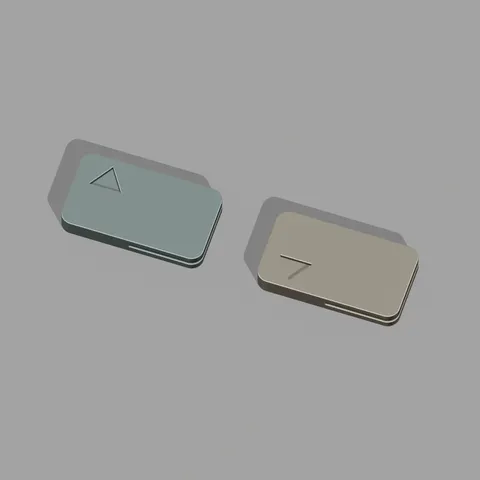
Mark a discussion interval on a homemade paper timeline with two loose markers whose arrows face one another.
Difficulty is a guide based on the data structure. It does not promise a printing result.
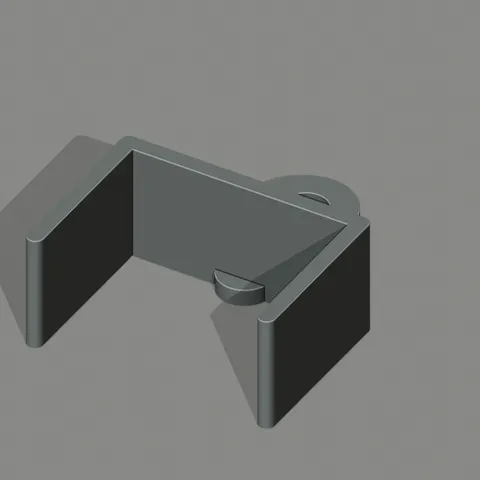
Temporarily screen part of a model's side and rear background with three short walls while leaving the top and front open for viewing.
Difficulty is a guide based on the data structure. It does not promise a printing result.